
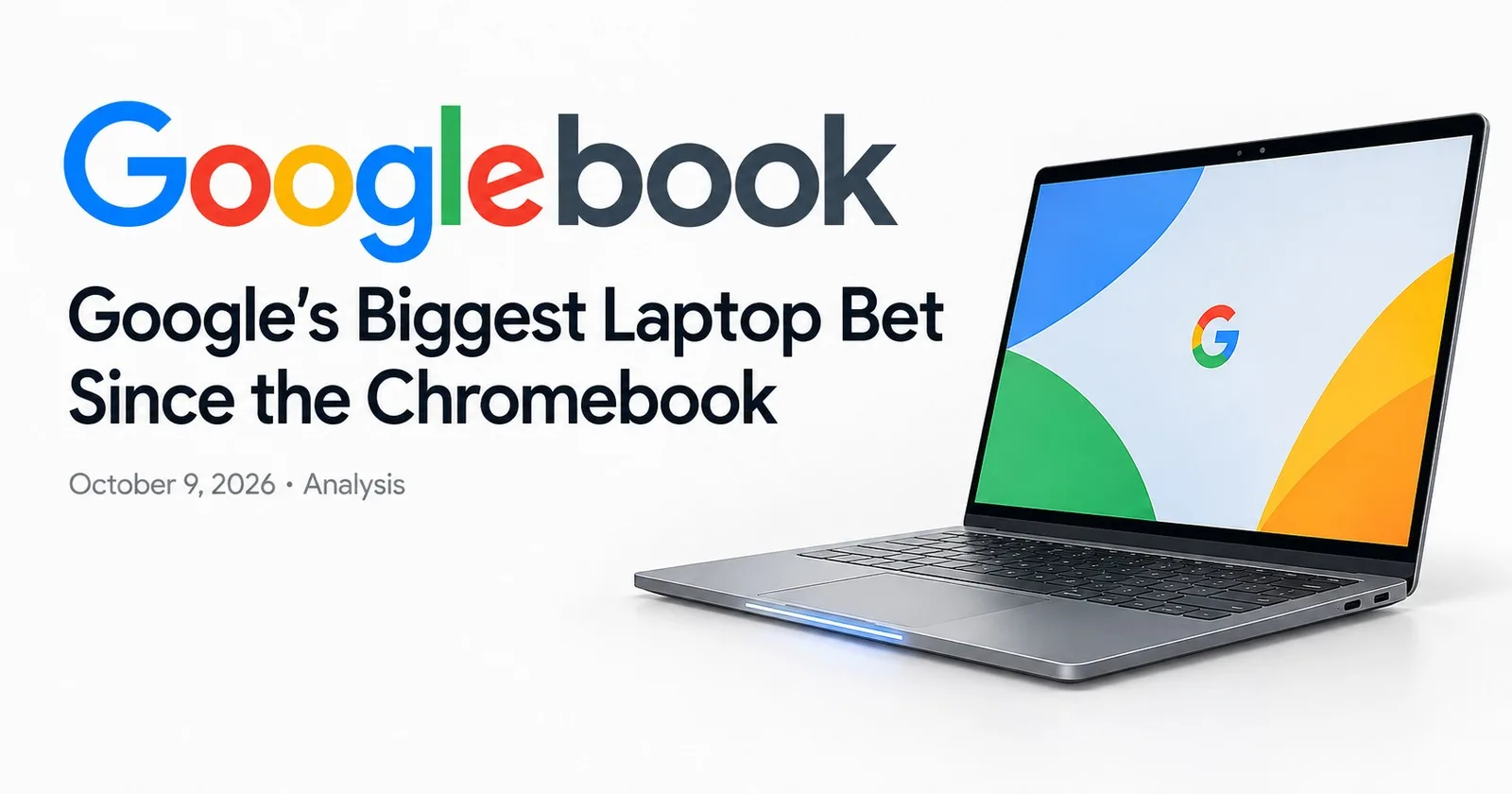
Fifteen years ago, Google convinced the world that a laptop could be little more than a browser. It was cheap, it booted in seconds, and it quietly took over classrooms. Now the company is asking for belief in a very different idea: a laptop whose most important feature isn't the chip, the screen, or even the operating system. It's the cursor.
Meet the Googlebook. It was announced on May 12 at The Android Show, opened for pre-order on September 21, and went on sale in the US on October 4, with Canada, the UK, Ireland, France, Germany and Australia following on October 5. The hardware is here. The real question is whether the idea behind it is any good.
A quick note on sources: what follows rests on Google's own announcements, partner details and early press coverage. Independent, long-term testing is still thin, so treat the big promises accordingly.
What a Googlebook actually is
A Googlebook is a laptop that runs Googlebook OS, a new Android-based system that Google says blends the best of Android with the best of ChromeOS. From Android it takes the Google Play app catalog and a modern, AI-ready foundation. From ChromeOS it takes Chrome and its extension ecosystem.
Google's own framing is revealing. Its pitch is that computing is moving from an operating system to an intelligence system, the same way the Chromebook once represented a shift to cloud-first computing. In plain terms: the Chromebook assumed the cloud did the work. The Googlebook assumes an AI model sits next to everything you do and helps in real time.
It's also a break in Google's hardware strategy. Google's last laptop under its own name was the Pixelbook Go, roughly six and a half years ago. This time Google leads on software and design language, and partners build the machines.
The cursor is the product
If you remember one feature, make it Magic Pointer. Google built it with its DeepMind team, and the idea is disarmingly simple: wiggle your cursor, and Gemini looks at whatever you're pointing at and offers to help.
The examples Google has shown are deliberately mundane, which is exactly why they matter:
Point at a date inside an email, and Gemini offers to set up a meeting.
Select two images, and Gemini offers to compare or combine them.
Use ask, compare and combine actions across whatever is on screen, without opening a separate chatbot window.
This is a genuinely different interaction model. Most AI on laptops today lives in a sidebar or a dedicated key: you stop what you're doing, switch context, explain your situation, and paste things back and forth. Magic Pointer flips that. The context is already on screen, so the pointer carries it for you.
There are two companions. Create My Widget lets you describe a dashboard in natural language and have Gemini assemble it from the web, Gmail and Calendar. And early launch coverage describes Rambler, a dedicated key that turns speech into structured text in real time.
If these work as shown, they remove friction that has quietly annoyed everyone for years. If they don't, the Googlebook is a Chromebook with a nicer chassis.
The phone is the other half of the pitch
The most underrated part of this launch isn't AI at all. It's continuity.
Google is positioning the Googlebook as the natural partner for an Android phone, much like a Mac relates to an iPhone:
Quick Access lets you browse, search and insert files from your phone directly in the laptop's file browser, with no manual transfers.
Cast My Apps streams your phone's apps onto the laptop screen.
Continue On lets you pick up phone activity on the laptop.
Setup brings over your saved passwords, Wi-Fi networks and settings when you sign in.
Apple has owned this story for over a decade, and it's a big reason people stay inside its ecosystem. Android has had pieces of it, but never a laptop that treats the phone as a first-class citizen from the first boot. That is Google's real opening. A billion-plus Android owners are a far larger audience than people who actively want an AI laptop.
The hardware: five makers, one glowing strip
The launch lineup comes from Acer, ASUS, Dell, HP and Lenovo, using Intel and Qualcomm chips with neural processing units for on-device AI. Every model carries the Glowbar, an illuminated strip on the exterior that works as a deliberate brand signature, the way the Chromebook's logo did for the last decade.
Here's the lineup based on launch reports, with US starting prices:
Acer Googlebook 14 from $899: the entry point, with Intel Core Ultra 5 or 7, 16 GB of RAM and a 14-inch 2.8K OLED convertible display.
Dell XPS Googlebook from $1,199: a 13.4-inch 2.5K touchscreen in a machined aluminum chassis, with Snapdragon X Elite.
HP Googlebook 14 from $1,299: Snapdragon X Elite and a 14-inch 2.8K OLED panel.
ASUS Googlebook 14 from $1,299: Intel-powered, with a 32 GB option and a haptic touchpad.
Lenovo Googlebook 15: the large-screen option, with a 15.3-inch OLED display. Reported pricing varies between sources, so check the retailer.
The price floor is the clearest signal of Google's intent. At $899 and up, this is not a cheap-and-cheerful Chromebook. Google is aiming at premium buyers and putting itself next to Apple's low-cost MacBooks and Windows Copilot+ PCs. Launch coverage also mentions bundled extras, including a year of Google AI Pro, though bundles can differ by region and retailer, so verify before you buy.
So, is the Chromebook dead?
Google has been careful here. It describes the Googlebook as a new category, not a Chromebook replacement, and it has said existing Chromebooks will keep receiving updates through their current support commitments. In practice, most observers read it as the Chromebook's premium successor, and it's hard to argue otherwise: the naming, the Glowbar and the Chrome-plus-Android DNA all point the same way.
What's still unclear is the lower end. The Chromebook's superpower was never prestige. It was a $250 machine that made computers affordable for schools and families. A product that starts at $899 doesn't serve that audience, and Google hasn't yet explained who will.
Where the Googlebook will be judged
Four tests will decide whether this launch matters.
1. Does Magic Pointer survive real life? Demos are curated. The real test is a messy inbox, a crowded desktop and a half-finished document. If the pointer suggests the right thing most of the time, it becomes a habit. If it interrupts, people will switch it off within a week.
2. Do Android apps feel native on a big screen? Google is already pushing developers to design for desktop-class screens, with better information density, full keyboard, mouse, trackpad, stylus and controller support, custom cursors, plus proper file handling and printing. That's the right list. But Android apps stretched onto a laptop have a poor track record, and the Googlebook's value depends on apps that look and behave like they belong.
3. Does the value math work? Memory and component costs are high in 2026, and the Googlebook has to justify its premium against mature alternatives. Features that only help if you already live in Google's ecosystem will narrow the audience.
4. Do the gaps get filled? Early comparison pieces note practical limits, such as no direct OneDrive support in the Files app, and questions about how freely you can run multiple instances of the same app. Availability is also limited for now to the seven launch markets, which leaves much of the world waiting.
Who should care right now
Android power users who already juggle files and messages between phone and laptop will feel the benefit first.
Gemini and Google Workspace regulars get the most from Magic Pointer, since the best examples lean on Gmail, Calendar and Google apps.
Developers should treat this as a nudge to polish large-screen and input handling. Googlebook support is also good for the wider Android tablet and foldable experience.
Cautious buyers should wait for independent reviews. A first-generation platform with a headline AI feature is the classic case where the second batch of reviews is more useful than the first.
The bottom line
The Googlebook is the most ambitious thing Google has done in personal computing in years, and it's ambitious in the right place. Rather than bolting a chatbot onto a laptop, Google is rethinking the most basic interaction on the machine, pointing at things, and pairing it with a phone relationship that rivals can't easily copy.
Whether it becomes as significant as the Chromebook did in 2011 depends on one thing: whether Gemini feels useful when you're not watching a keynote. If the pointer earns its place in your daily routine, Google has a new category. If it doesn't, it has an expensive Chromebook with a glowing stripe.
We'll know within a few months. For now, it's the most interesting laptop launch of the year, and a reminder that the next big shift in computing may not come from a new screen or chip, but from the humble cursor.





Comments (0)
Join the discussion by logging into your account.
No comments yet. Be the first to comment!